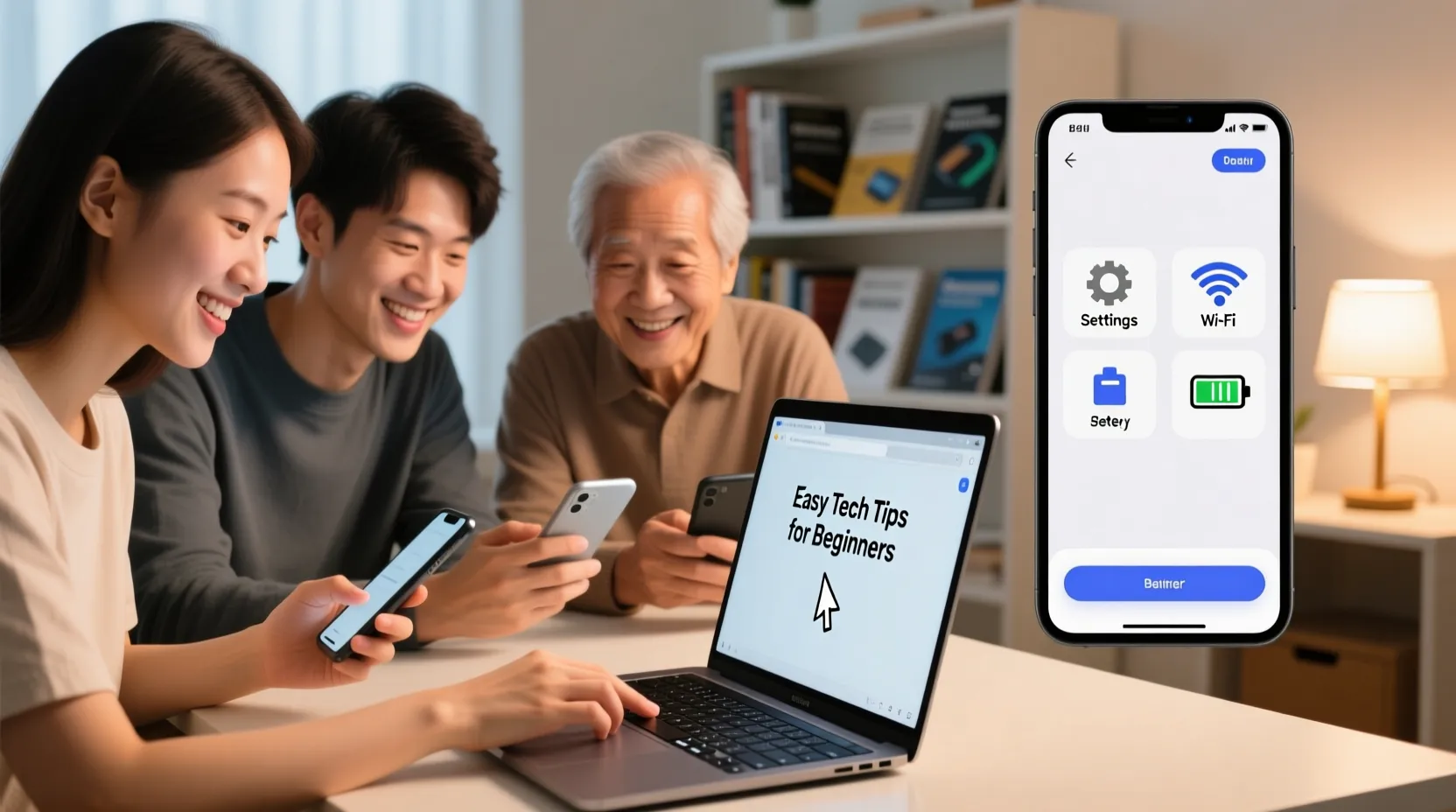
Technology is a big part of our daily life. Smartphones and laptops help us connect with friends, learn new things, and do work faster.
But for beginners, using these devices can feel confusing. Learning simple tips can make your life easier and your devices more useful.
In this article, we will share easy and practical tech tips that anyone can follow.
If you are new to smartphones or laptops, these tips will help you feel more confident and enjoy using technology every day.
Keep Your Devices Clean and Organized
One of the first steps to using technology effectively is keeping your devices clean. Dust and dirt can slow down your smartphone or laptop. Use a soft cloth to wipe the screen and keyboard regularly.
On your laptop, organize your files in folders. For example, keep photos in one folder and documents in another. On smartphones, group similar apps together. You can even create folders on your home screen for easy access. A clean and organized device makes it easier to find what you need and helps your devices work better.
Learn Basic Navigation
Knowing how to move around your device is very important. On smartphones, practice opening apps, switching between them, and using gestures like swiping or tapping. On laptops, learn to use the mouse or touchpad efficiently.
Try using shortcuts on your laptop to save time. For example, pressing Ctrl + C copies text and Ctrl + V pastes it. On a smartphone, learn to swipe down to see notifications or swipe up to go home. These small skills make your daily tasks faster and more enjoyable.
Keep Your Devices Safe
Security is very important. Always lock your smartphone or laptop with a password, PIN, or fingerprint. Avoid using easy passwords like “1234” or “password.”
Install updates when your device asks for them. Updates fix problems and protect your device from viruses. On smartphones, avoid downloading apps from unknown sources. On laptops, make sure your antivirus software is active. Taking small safety steps keeps your personal information safe and your device working well.
Manage Battery and Power
Batteries are important for both smartphones and laptops. To make your battery last longer, don’t keep your device charging all the time. Charge it only when needed. On smartphones, reduce screen brightness and turn off Bluetooth or Wi-Fi when not in use.
On laptops, close apps that you are not using. This saves battery and makes your laptop faster. If your device gets very hot, give it a break. Proper battery care helps your devices last longer and work efficiently.
Learn Simple Troubleshooting
Sometimes devices stop working properly, and it can be frustrating. Learn a few basic troubleshooting steps. For smartphones, try restarting your device if an app is not working. On laptops, closing and reopening a program can fix many issues.
If your device is slow, clear cache or temporary files. For smartphones, go to settings and find “Storage” to clear extra files. For laptops, delete files you don’t need or uninstall unused programs. Learning basic troubleshooting reduces stress and helps you solve small problems without asking for help every time.
Use the Internet Wisely
The internet is very useful, but beginners should know some simple rules. Always visit trusted websites and avoid clicking on suspicious links. On smartphones, use apps from official stores like Google Play or Apple App Store.
Use search engines like Google to find information quickly. Type simple words to get the results you want. Remember, not everything on the internet is true. Always check information from more than one source. Using the internet wisely keeps you safe and makes learning easier.
Take Advantage of Helpful Apps
Smartphones and laptops have many apps that make life easier. Beginners should focus on a few useful ones first. For example, note-taking apps help you write ideas or reminders. Calendar apps help you remember important dates.
For laptops, apps like word processors, photo editors, and web browsers are very useful. Try not to install too many apps at once, or your device may slow down. Learning to use helpful apps improves productivity and makes technology more fun.
Backup Your Important Data
Losing photos, documents, or messages can be upsetting. Always back up your important data. On smartphones, use cloud services to save your photos and files. On laptops, copy your important files to an external hard drive or cloud storage.
Regular backups make sure your information is safe, even if your device is lost or broken. This simple step can save a lot of stress and help you keep your memories and work safe.
Practice Regularly
The more you use your smartphone or laptop, the better you will get. Don’t be afraid to explore new apps or settings. Try learning one new thing every day, like sending emails, creating documents, or connecting to Wi-Fi.
Ask friends or family for tips if you feel stuck. Watching short tutorials online can also help beginners learn quickly. Practice builds confidence, and soon technology will feel natural and easy.
Stay Patient and Curious
Learning technology can take time. Don’t worry if you make mistakes. Every beginner faces challenges at first. Stay patient and curious, and keep trying new things.
Remember, even experts started as beginners. Enjoy the process of learning, and celebrate small achievements. Over time, you will feel more comfortable using smartphones and laptops, and you will be able to do many tasks with ease.
Conclusion
Smartphones and laptops are powerful tools that make life easier and more fun. Beginners can use these devices confidently by keeping them clean, learning basic navigation, staying safe, managing battery, troubleshooting problems, using the internet wisely, and backing up data.
With regular practice and a curious mindset, technology can become a helpful part of daily life. Follow these simple tips, and you will feel more confident using your smartphone and laptop every day.